
Project structure
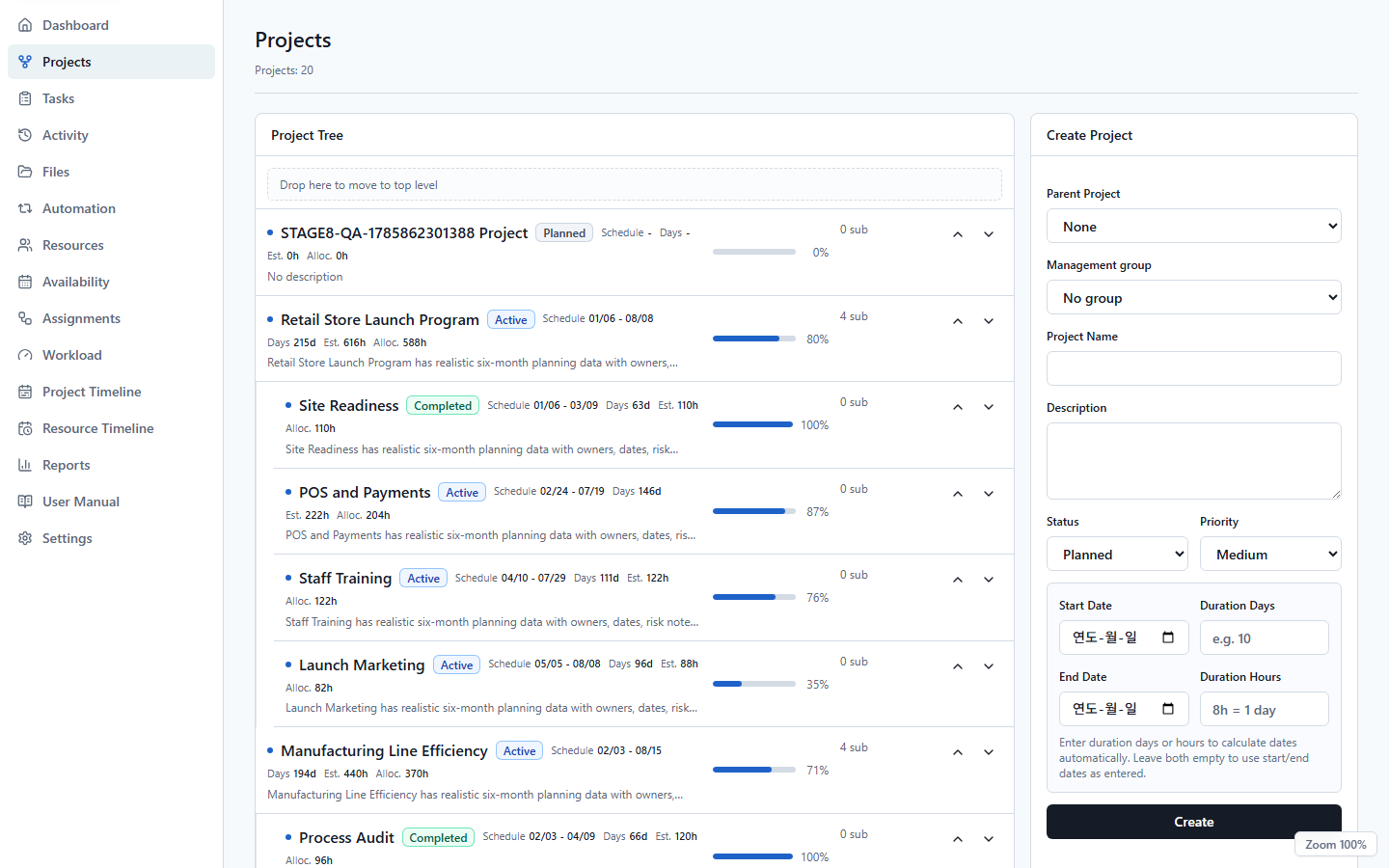
Build projects and subprojects, mark milestones, track calculated progress, and review status on a project board.
UnitDeck for Windows
UnitDeck is a free, offline-first Windows planning app for a single operator. Connect projects, tasks, work records, files, automation, resources, assignments, workloads, timelines, and reports without a UnitDeck account.
Core capabilities
Connect project structure, work to be done, available resources, and time so you can spot conflicts and pressure before execution begins.
Build projects and subprojects, mark milestones, track calculated progress, and review status on a project board.
Move work between a searchable list and Kanban board, with schedules, priorities, progress, checklists, archive, and restore.
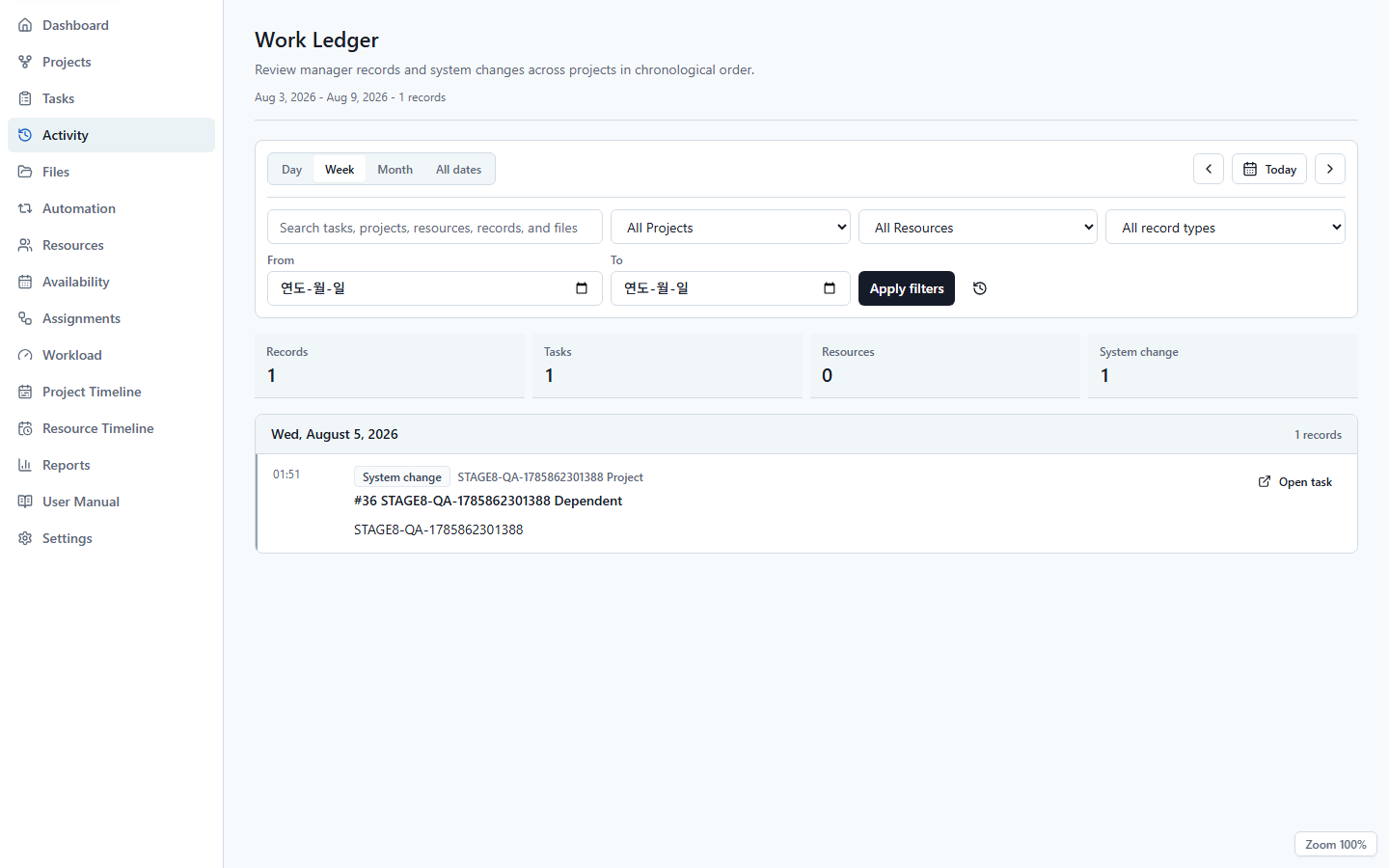
Preserve Progress, Directive, Reference, Request, and Decision entries alongside system changes and filters.
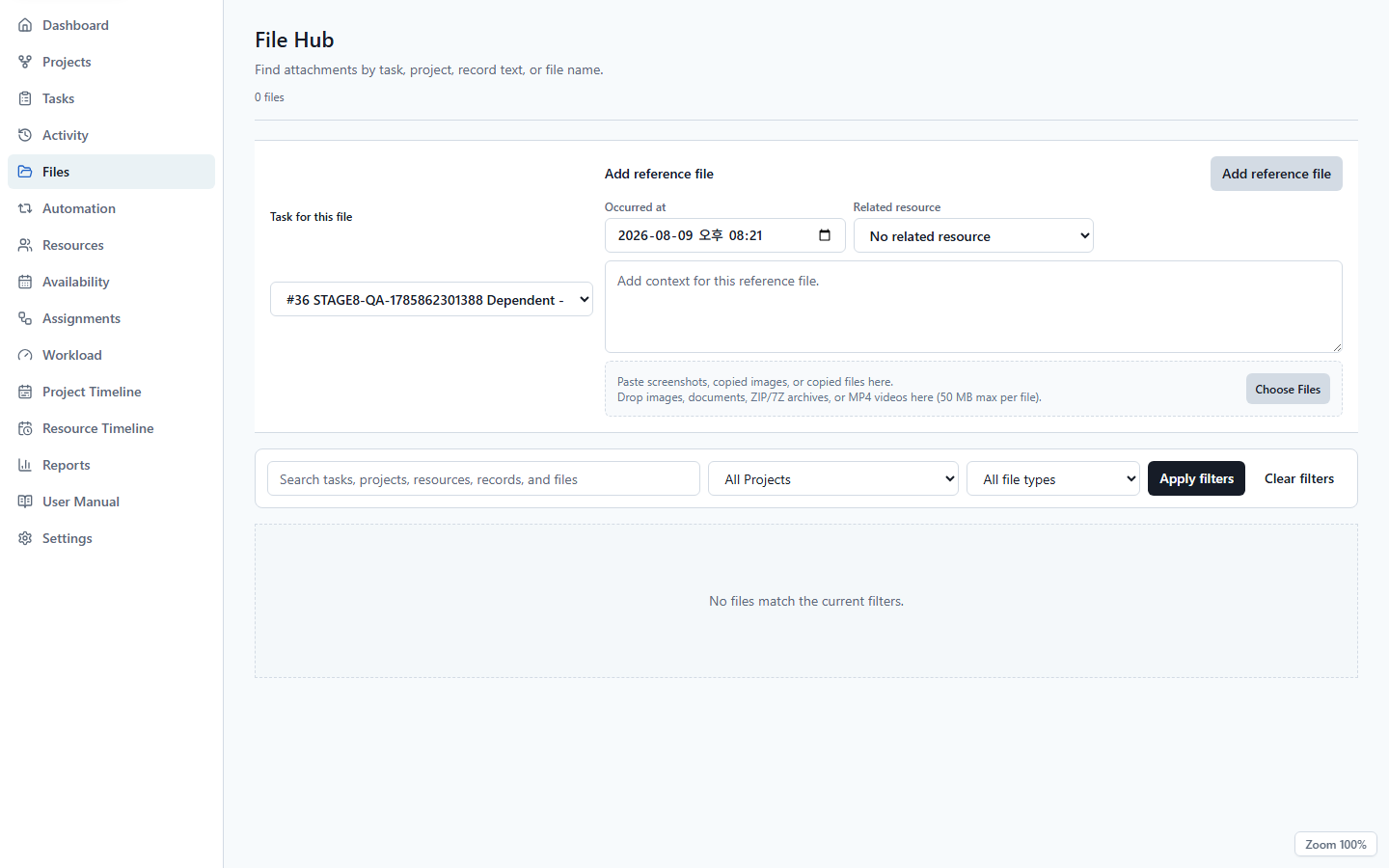
Add images, documents, ZIP, 7Z, or MP4 by picker, drag-and-drop, or clipboard, with validated per-entry limits.
Use due reminders, recurring tasks, templates, and informational or blocking dependencies without a Cloud scheduler.
Plan people, equipment, spaces, groups, availability, assignments, weekly workload, and overload thresholds.
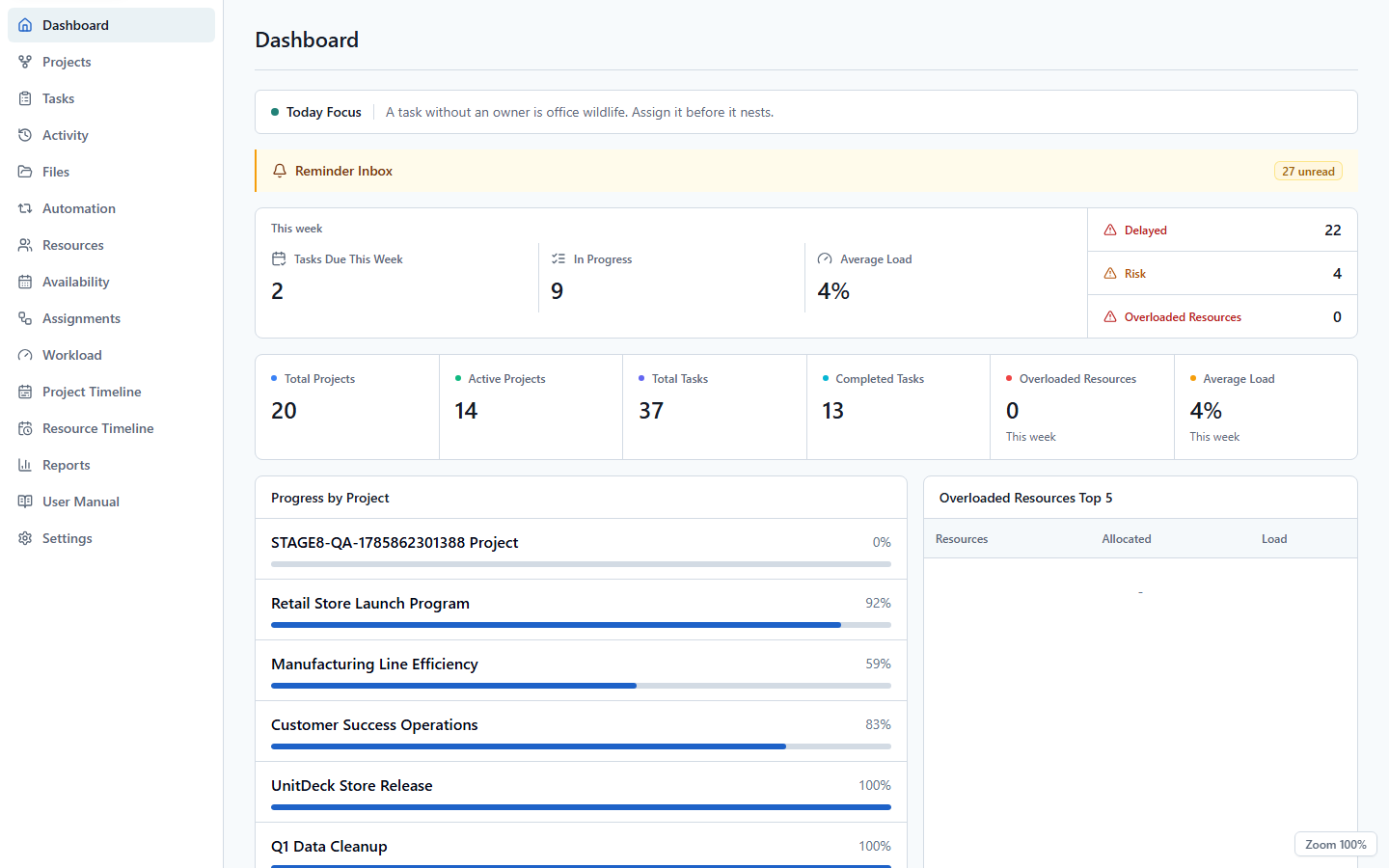
Review project and weekly resource timelines, dashboards, management reports, and CSV exports.
Choose 15 languages and 16 palettes, use the 21-section offline manual, and manage full ZIP backup, restore, and reset.
A connected workflow
Each UnitDeck view presents the same planning data from a different perspective instead of isolating it in separate lists.
Break goals and execution scope into projects and subprojects.
Set tasks, checklists, schedules, and priorities.
Connect people, roles, and equipment by period and allocation.
Check conflicts and progress across boards, dashboards, and timelines.
Product views
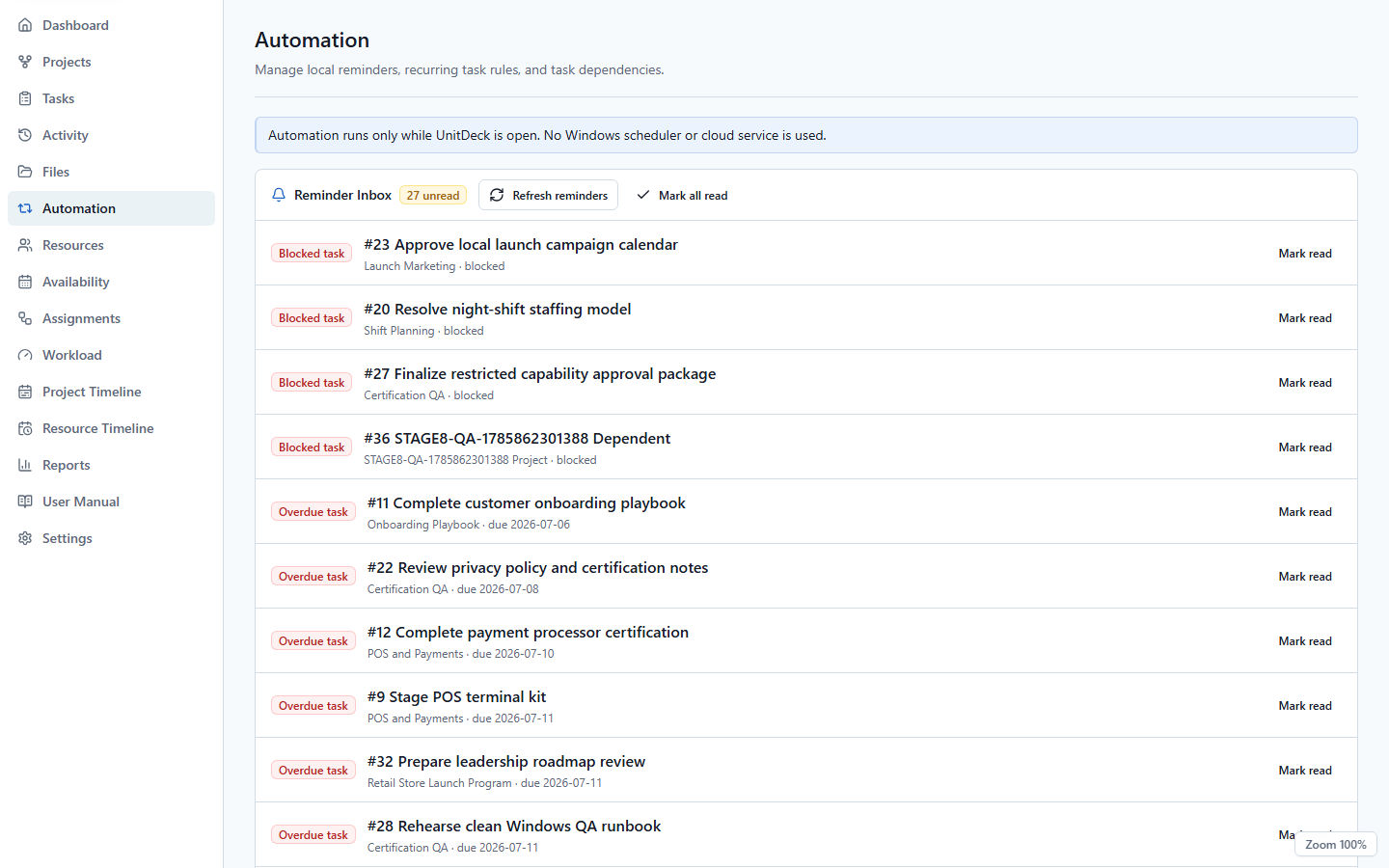
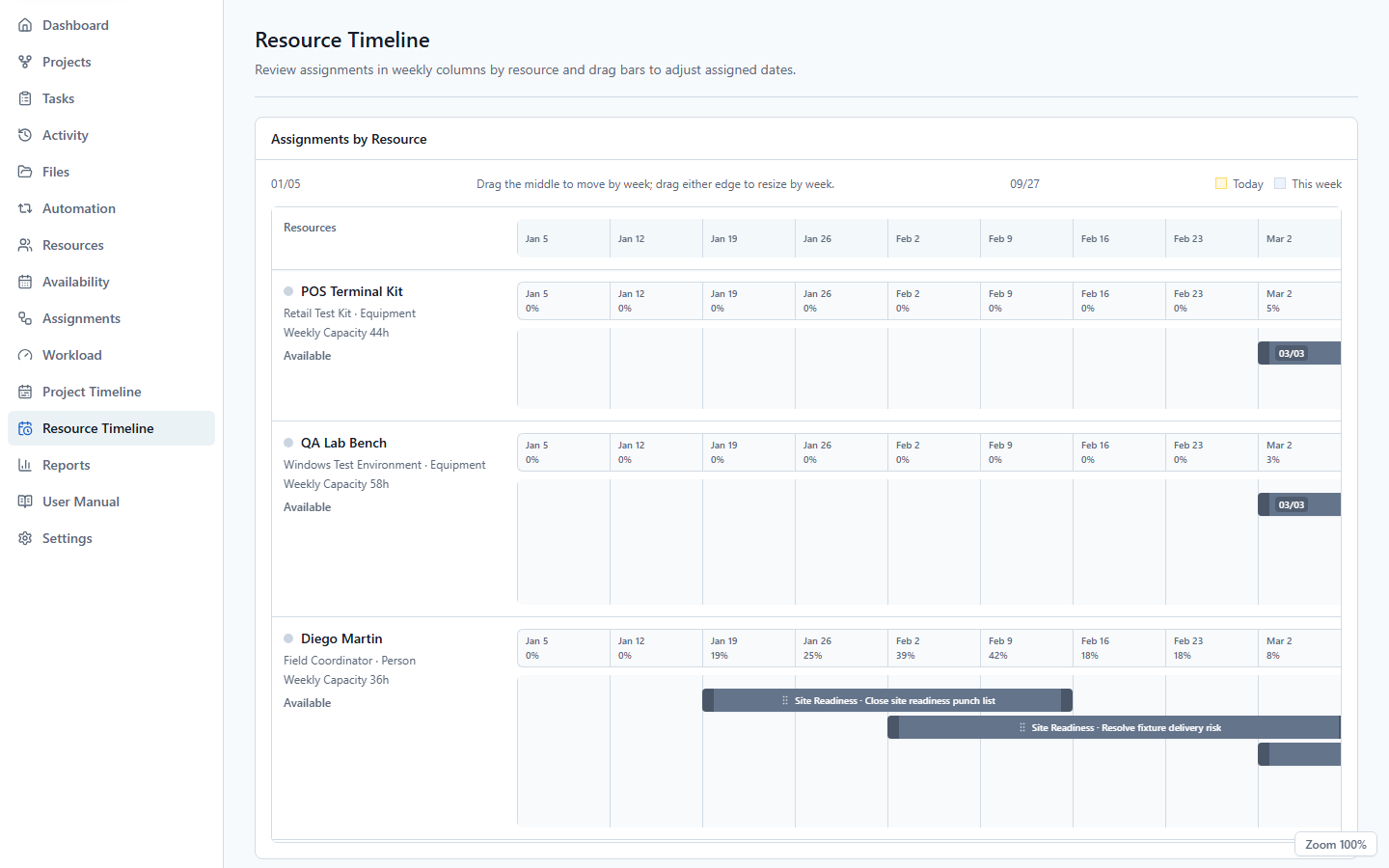
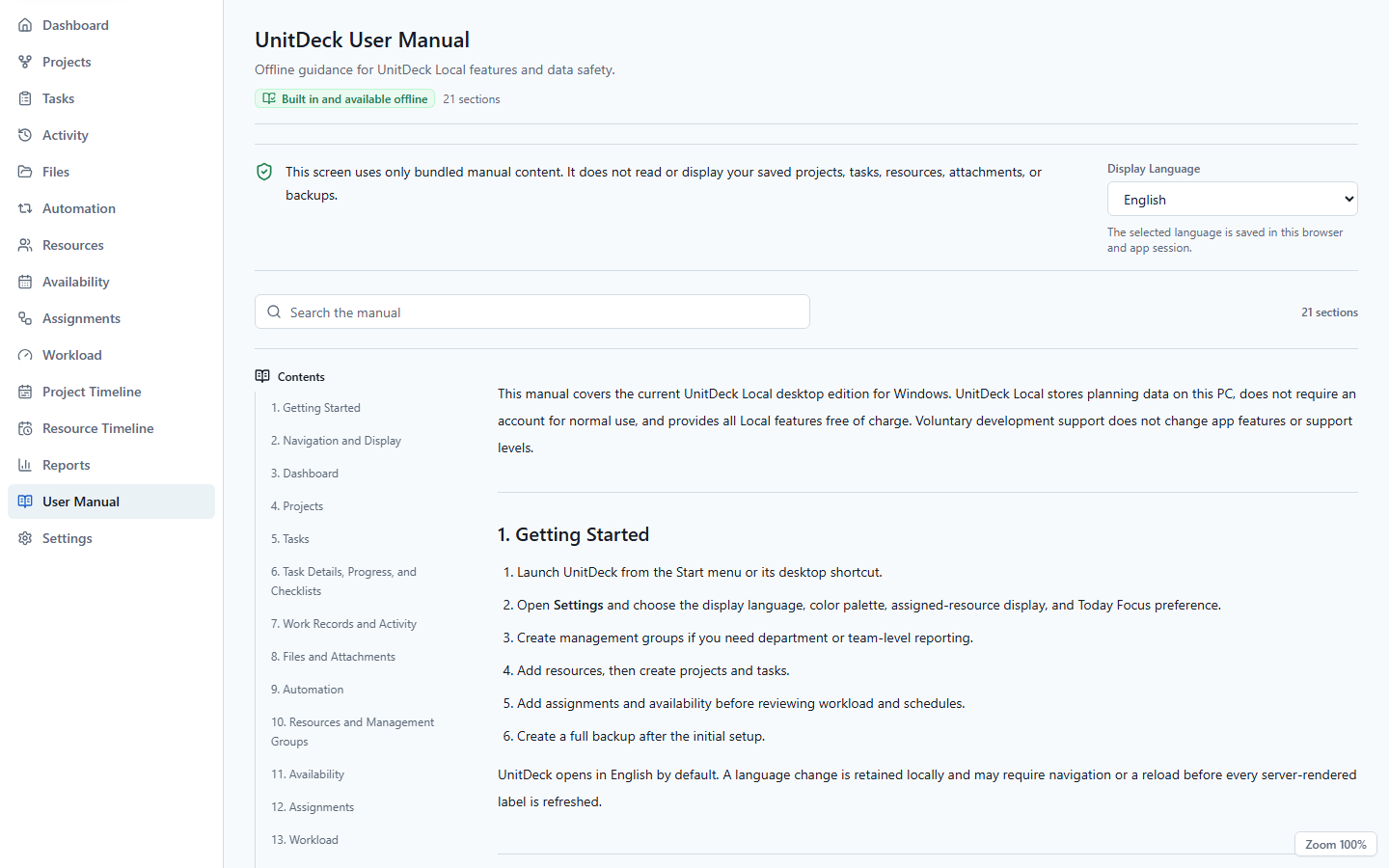
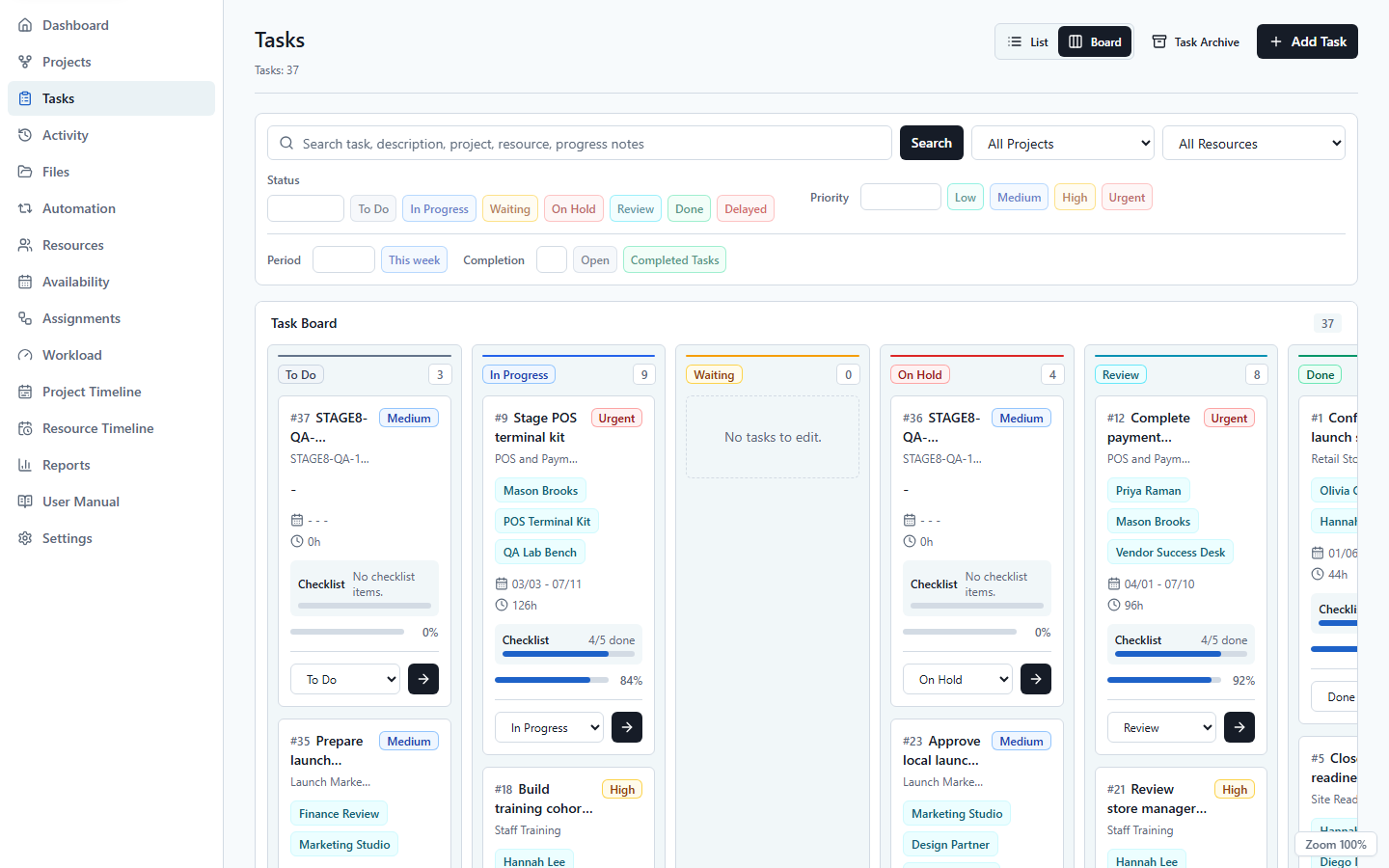
Install the public product from Microsoft Store. Product updates are delivered through the Store after Microsoft certification, so this page does not claim that a pending update is already live.
Frequently asked
No UnitDeck account, in-app purchase, or time-limited trial is required. All UnitDeck Local features are available free; Microsoft Store may require its own account or network access to acquire or update the app.
Projects, tasks, Activity records, files, resources, automation, assignments, and settings stay in the Windows app-data area on your PC. They are not automatically sent to UnitDeck Studio.
No. UnitDeck Local does not automatically upload or synchronize project data. UnitDeck Cloud is a separate team service; pilot access is arranged through the app site.
A new full ZIP backup includes the SQLite database, task attachment files, and resource image icons, with a manifest and hashes. Legacy SQLite or DB files remain supported as database-only restores.
A work-record entry can contain up to 10 files. Each file and the combined entry are limited to 50 MB; supported formats include images, PDF, text and Office documents, ZIP, 7Z, and MP4.
Not necessarily. App data, attachments, resource images, backups, or logs may remain so data can survive reinstall. Follow the Support page before removing both FennecDeck app-data folders manually.
Product inquiry
Send product, installation, backup, data, or workflow questions to our official support email.